we deliver
Apple Mac Mini with OpenClaw pre-installed
Includes a Wireless Apple Magic Track Pad and Wireless Apple Keyboard w/ Touch ID
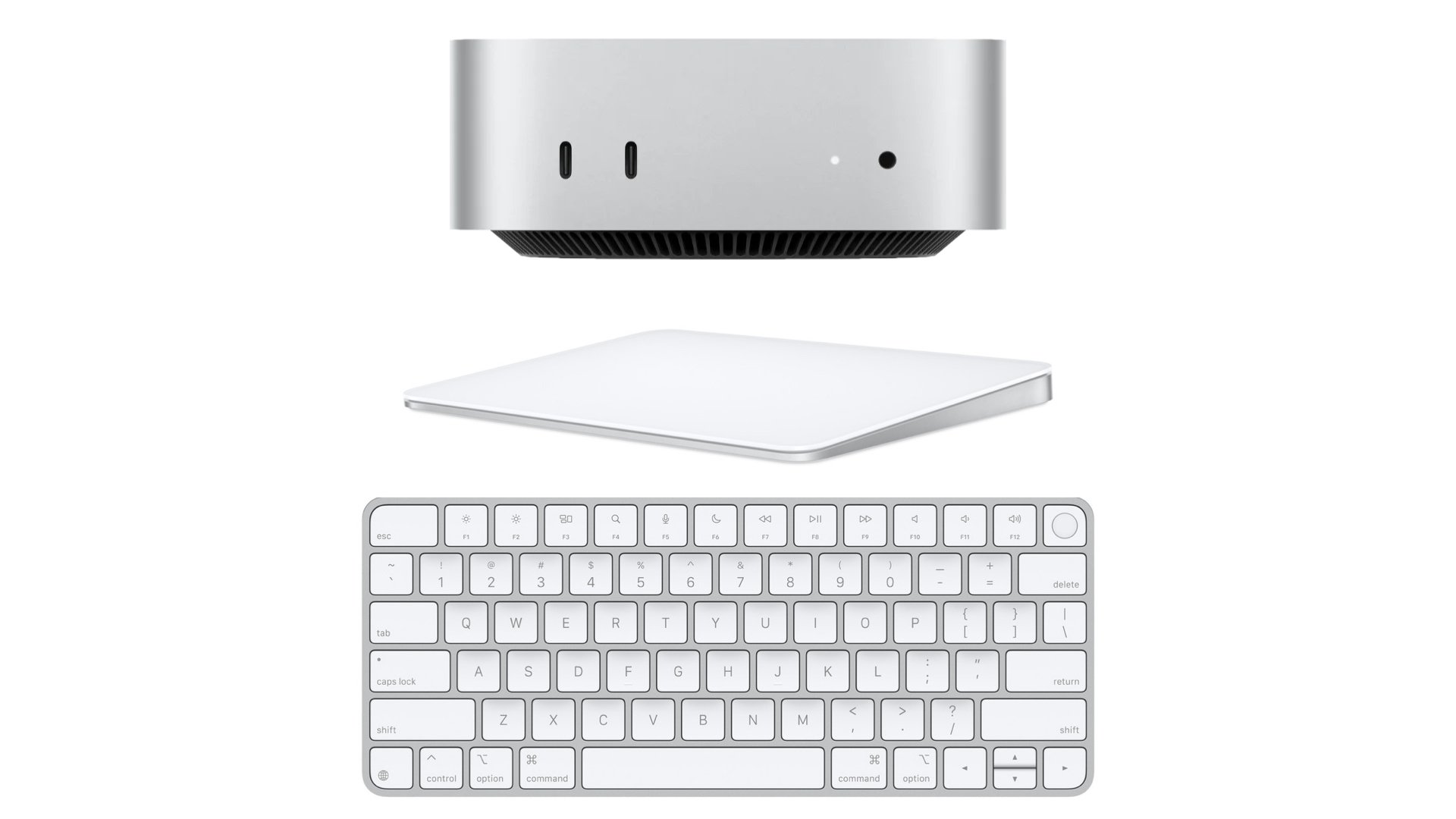
Includes
15 minute call to set up your Claw with your choice of iMessage, Telegram or WhatsApp
ADD ONS
(not required)

Your computer will come with a free AI model installed on your device.
If you’d like to use Anthropic or Open AI as your OpenClaw’s “brain” - we can schedule a call to set up the frontier model of your choice. Note: using a Frontier model will require continuous purchasing of credits from the provider.
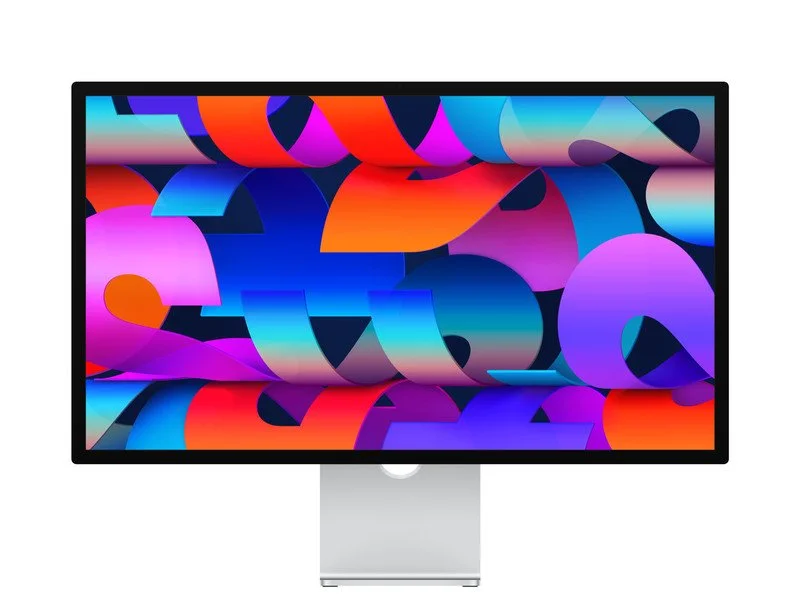
standard glass monitor & tilt-adjustable stand
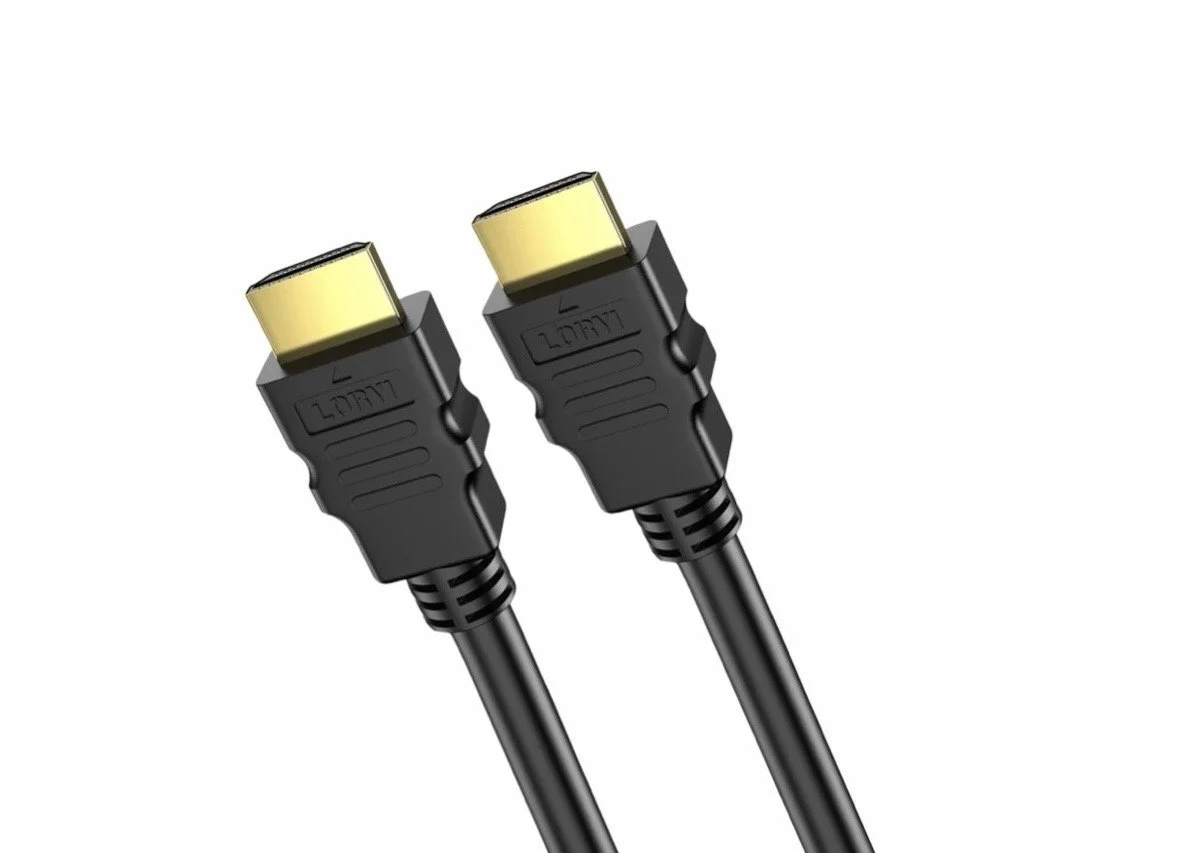
*note - not required; you can use any HDMI enabled TV for your Mac Mini
already have a computer?
we drive to you and install OpenClaw on-site
-
OpenClaw is a powerful personal AI assistant that runs on your own Mac, giving you complete control and privacy. Unlike cloud-based AI services like ChatGPT, OpenClaw operates on YOUR hardware, meaning your data stays private and you have 24/7 access. It can automate tasks, manage your business, control your smart home, answer questions, and integrate with the tools you already use—all while keeping everything secure.
-
Your OpenClawers package ($1,299) includes:
- Apple Mac mini M2 with OpenClaw pre-installed and configured
- Wireless Apple Magic Keyboard with Touch ID
- Wireless Apple Magic Trackpad
- 15-minute setup call to configure your messaging (iMessage, Telegram, or WhatsApp)
- Free local AI model already installed and ready to use
Everything arrives ready to plug in and start using immediately!
-
Your Mac mini comes with a free AI model pre-installed that runs locally on your device—no ongoing costs! It's smart and capable for many tasks.
The optional Frontier Model setup ($25) connects your OpenClaw to cutting-edge AI models like Claude (Anthropic) or GPT-4 (OpenAI). These are more powerful for complex tasks, but require you to purchase API credits from the provider (typically $20-100/month depending on usage). We'll help you decide what's right for your needs during setup.
-
Yes! We offer on-site installation for your existing Mac (Mac mini, MacBook, iMac, or Mac Studio). We'll come to you, install and configure everything, train you on using it, and make sure it's working perfectly before we leave.
-
No monitor is required! Your Mac mini can connect to:
- Any TV with HDMI (we offer a 6ft HDMI cable for $20, or use your own)
- Any computer monitor you already own with HDMI capabilities
- Apple Studio Display ($1,700 if you want the premium Apple experience)
- Nothing at all - *note: you will need a monitor initially for message preference setup. After setup -OpenClaw works great "headless" and you can access it from your phone or other devices
-
You communicate with OpenClaw exactly like texting a person! During your 15-minute setup call, we'll configure it to work with:
- iMessage (if you have an iPhone)
- WhatsApp
- Telegram
Just text your OpenClaw like you would text a friend or assistant. You can also access it through a web interface if you prefer.
-
Yes! The Mac mini is designed to run 24/7 as an always-available assistant. It's incredibly energy-efficient—your total electricity cost is typically $2-3 per month. It's silent, compact (fits in your hand), and uses less power than a light bulb.
-
OpenClaw can handle:
- Business tasks: Email management, scheduling, customer follow-ups, data entry, invoicing
- Research: Market research, competitive analysis, summarizing documents
- Smart home control: Lights, thermostats, security cameras, locks
- Personal assistance: Reminders, calendar management, meal planning, travel booking
- Custom automation: Anything you can describe, OpenClaw can often do
The possibilities grow as you discover ways to integrate it into your life and work.
-
Yes, we charge $200/hour for training calls; add “Scheduled” Consulting” to your cart above.
-
Absolutely. Unlike cloud AI services, OpenClaw runs on YOUR Mac. Your conversations, documents, and data never leave your device unless YOU explicitly connect it to external services. You own the hardware, you own the data, you control everything. This is the primary reason many people choose OpenClaw over alternatives.
-
Your package includes the 15-minute setup call to get you started. After that, we're here to help! You can:
- Contact us for additional support (we're real people who answer)
- Schedule consulting for advanced automation and customization
- Join the OpenClaw community for tips, tricks, and user support
Frequently Asked Questions